
ŠŠK Birdie booking system website, customer area and CMS for an indoor golf club
For ŠŠK Birdie, an indoor golf club in Bratislava, we designed and built a website with online booking, the My Account customer area and a CMS for the manager, reception and coaches. All three work on the same data.

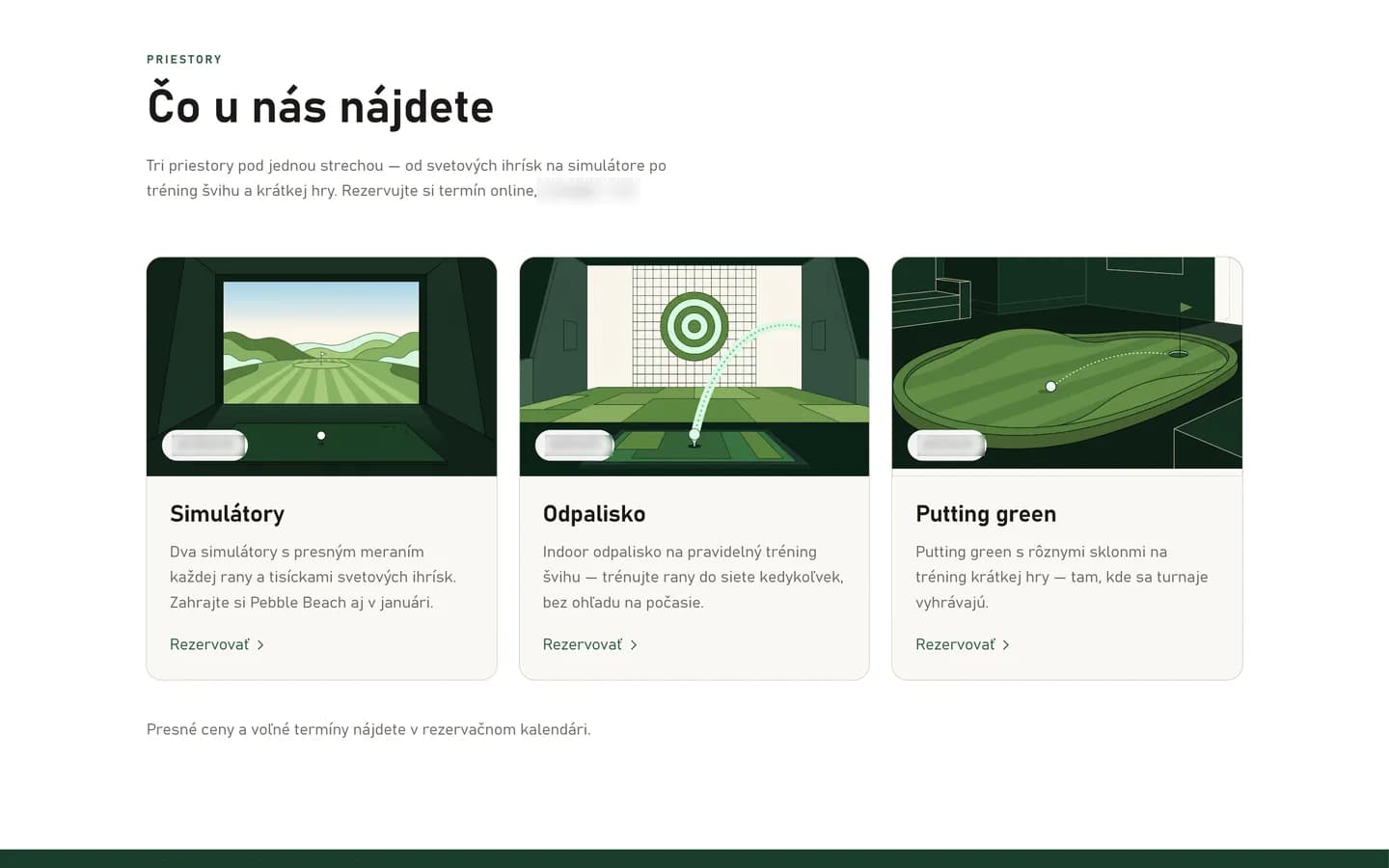
An indoor golf club in Bratislava simulators, a driving range and a putting green
ŠŠK Birdie is an indoor golf club in Bratislava, with golf simulators, a driving range and a putting green under one roof, open 06:00–22:00 on weekdays. Besides open play, it runs tournaments, group training, private lessons, children’s camps and a Green Card course.
A small club without a system takes bookings by phone and messages, payments in cash, by bank transfer and on paper passes, tournaments in spreadsheets and training sessions in the coaches’ calendars. ŠŠK Birdie wanted an operation where customers book and pay for themselves and the manager runs the whole club in one system.
The club’s requirements self-service, payments and one system
A club with long opening hours and a small team needs routine business to happen without a reception desk.
Booking without phone calls
Customers need to see free slots and book them themselves. Bookings, lessons and blocked spaces must never overlap.
No permanent reception
With opening hours from 06:00 to 22:00, the desk can’t always be staffed. Payment and entry have to work on a self-service basis.
One way to pay
Cash, transfers and paper passes are replaced by credits, used to pay for bookings, training and tournament entry fees.
The whole club in one place
Tournaments, results, the season ranking, training, camps and website content are managed in one system instead of spreadsheets and coaches’ calendars.
The website, the customer area and the CMS work on the same data, and every club setting is changed in the CMS.
Credits as the single way to pay
Customers buy a credit package and use it to pay for bookings, training and entry fees. The club is paid in advance and doesn’t handle a payment at every visit.
A QR code with every booking
Each confirmed booking gets a QR code for entry, valid only around the time of the booking.
The CMS as the source of settings
Opening hours, prices, cancellation terms, customer messages and website content are set in the CMS, and the website picks them up automatically.
Booking and entry from choosing a slot to playing
Customers complete the whole journey on their own, without a phone call or a reception desk.
- 01
Choose a slot
Free hours for each space in the availability calendar.
- 02
Book
As a guest with name, e-mail and phone, or with an account.
- 03
Pay with credits
Priced by time band; membership benefits apply automatically.
- 04
QR code
Valid from 15 minutes before the start to 15 minutes after the end.
- 05
Entry
The QR code at the door reader.
- 06
My Account
History, credit balance and cancellation under the terms, with credits refunded.
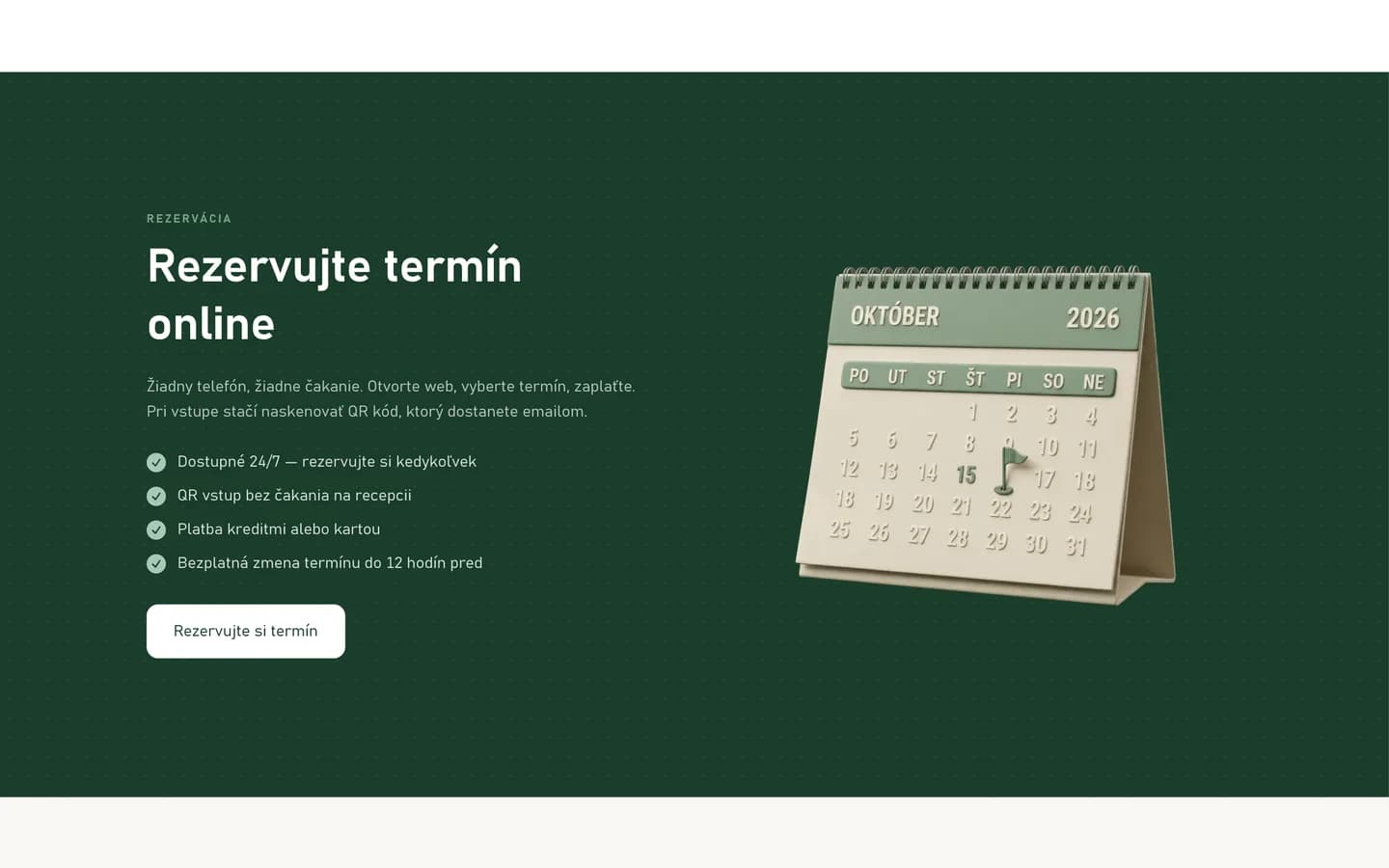
Online booking on the website an hourly availability calendar
On the website, customers look at the spaces and pick a free hour in the calendar, or drag across several hours in a row. They can book as a guest or with their own account.
The system calculates the price from peak and off-peak time bands. A booking can’t overlap another booking, a lesson or a blocked space.
- A calendar that also works by keyboard
- Cancellation terms and a no-show rule set in the CMS
- Discount codes with usage limits and validity
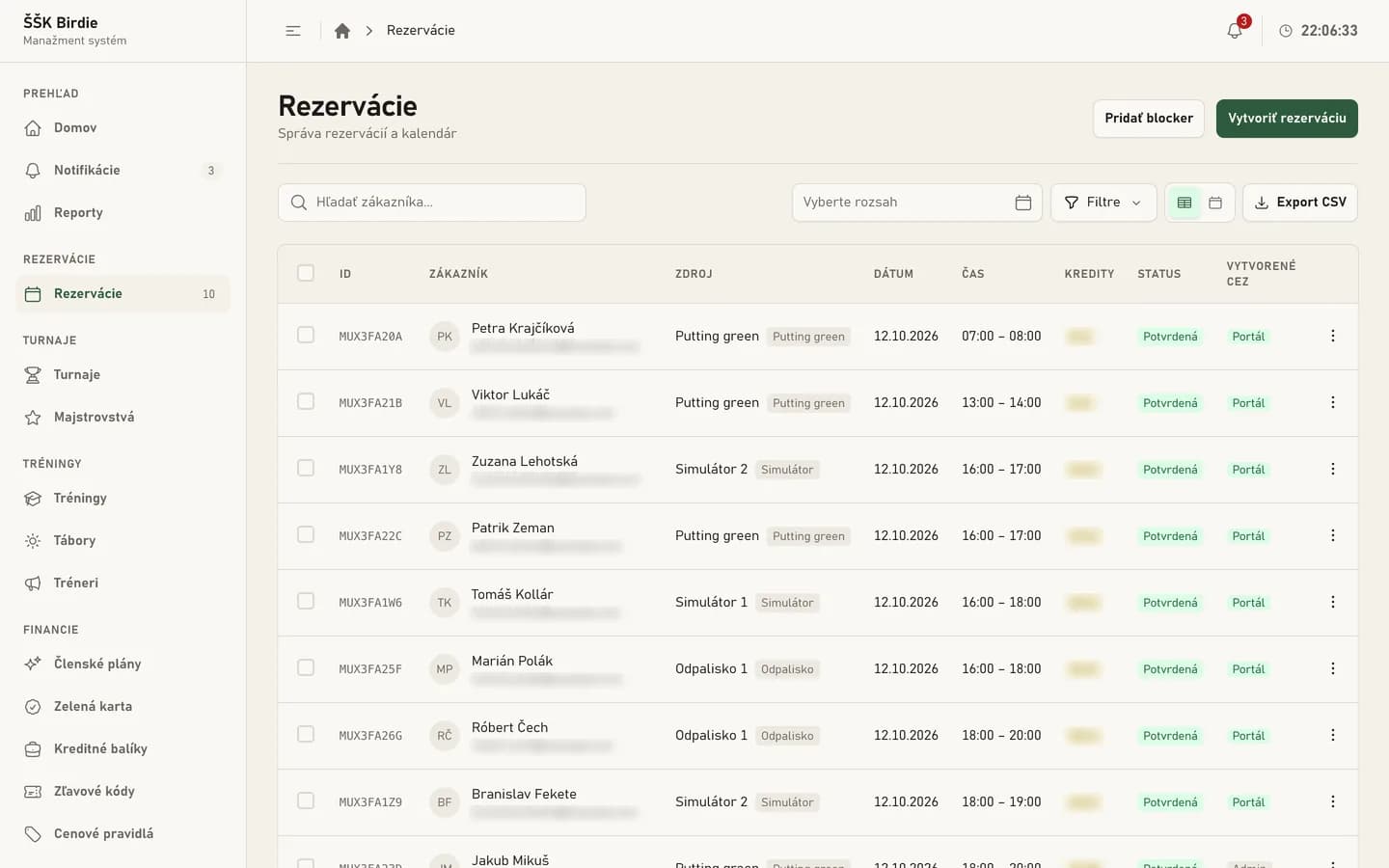
Bookings in the CMS list, calendar and manual changes
The manager and reception see every booking in a list and in a calendar, with search, filters and export.
Exceptions are handled directly in the CMS: a manual booking for a customer who calls, a space blocked for maintenance, or a credit refund.
- Manual bookings and blocked spaces
- Credit refunds under the cancellation terms
- Booking export
Club entry with a QR code verified each time the door opens
When a booking is confirmed, a QR code is created, valid from 15 minutes before the start to 15 minutes after the end of the booking. The door reader checks the code with the system, which answers “let in” or “don’t let in” and records the reason in the access log. Repeated code guessing is rate-limited. Entry is ready for the door readers to be connected – until then, the club can test it in the entry simulator in the CMS.
- 01
Booking
A confirmed booking of a space
- 02
QR code
Valid from 15 minutes before the start to 15 minutes after the end
- 03
Door reader
Sends the code for verification
- 04
Verification
The answer: “let in” or “don’t let in”
- 05
Access log
A record of each entry and of the reason for a refusal
Credits and membership plans benefits applied at payment
Customers buy a credit package; larger packages come with bonus credits. Every credit movement is recorded, so the balance and every refund can be traced at any time, and no more can be refunded than the customer actually paid.
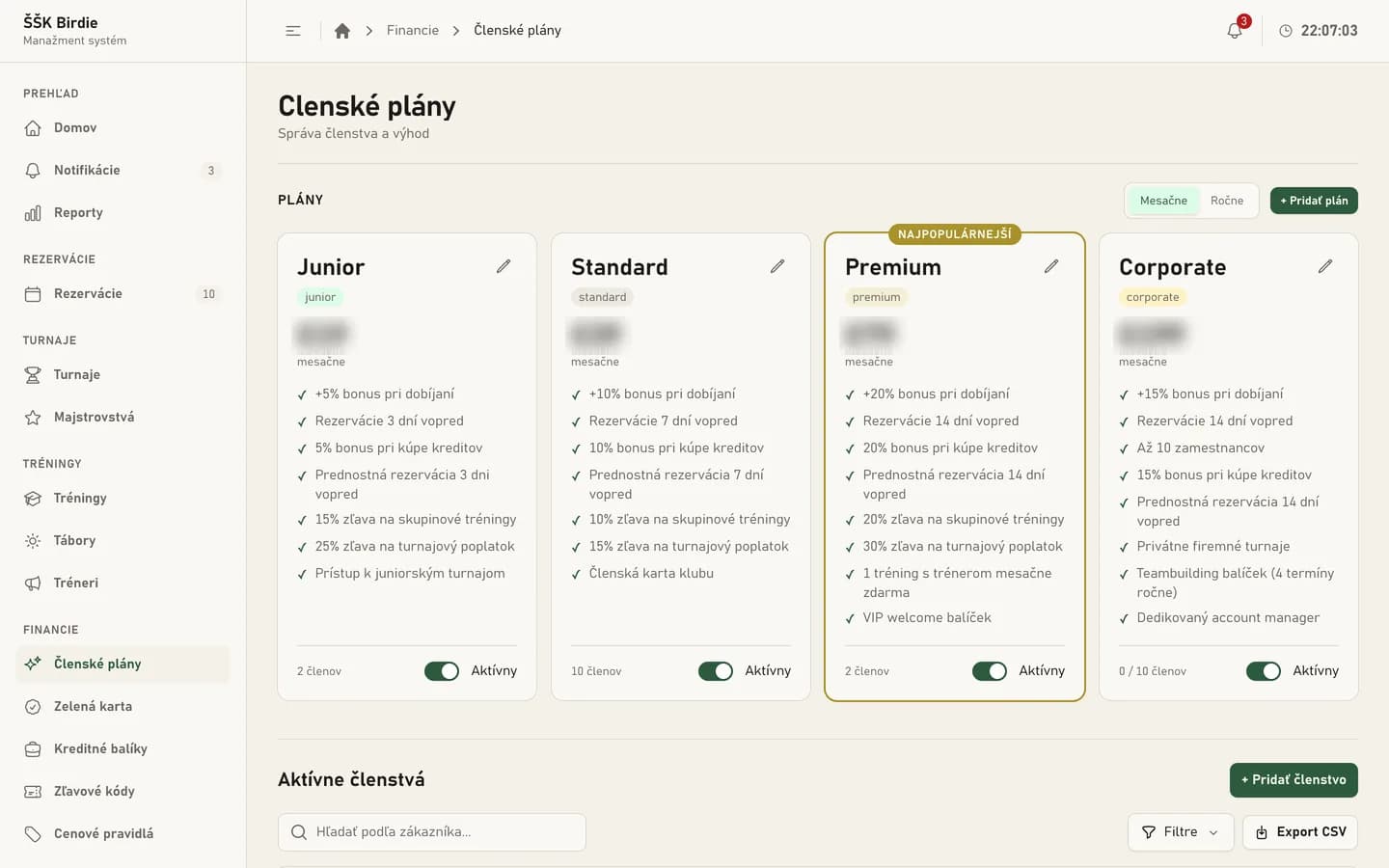
The Junior, Standard, Premium and Corporate plans add a bonus on credit purchases, priority booking and discounts on training and entry fees. Buying credits by card is ready to switch on once the club provides its payment credentials.
- Membership benefits applied automatically at payment
- A reminder before a membership ends
- Manual credit adjustments with a required note
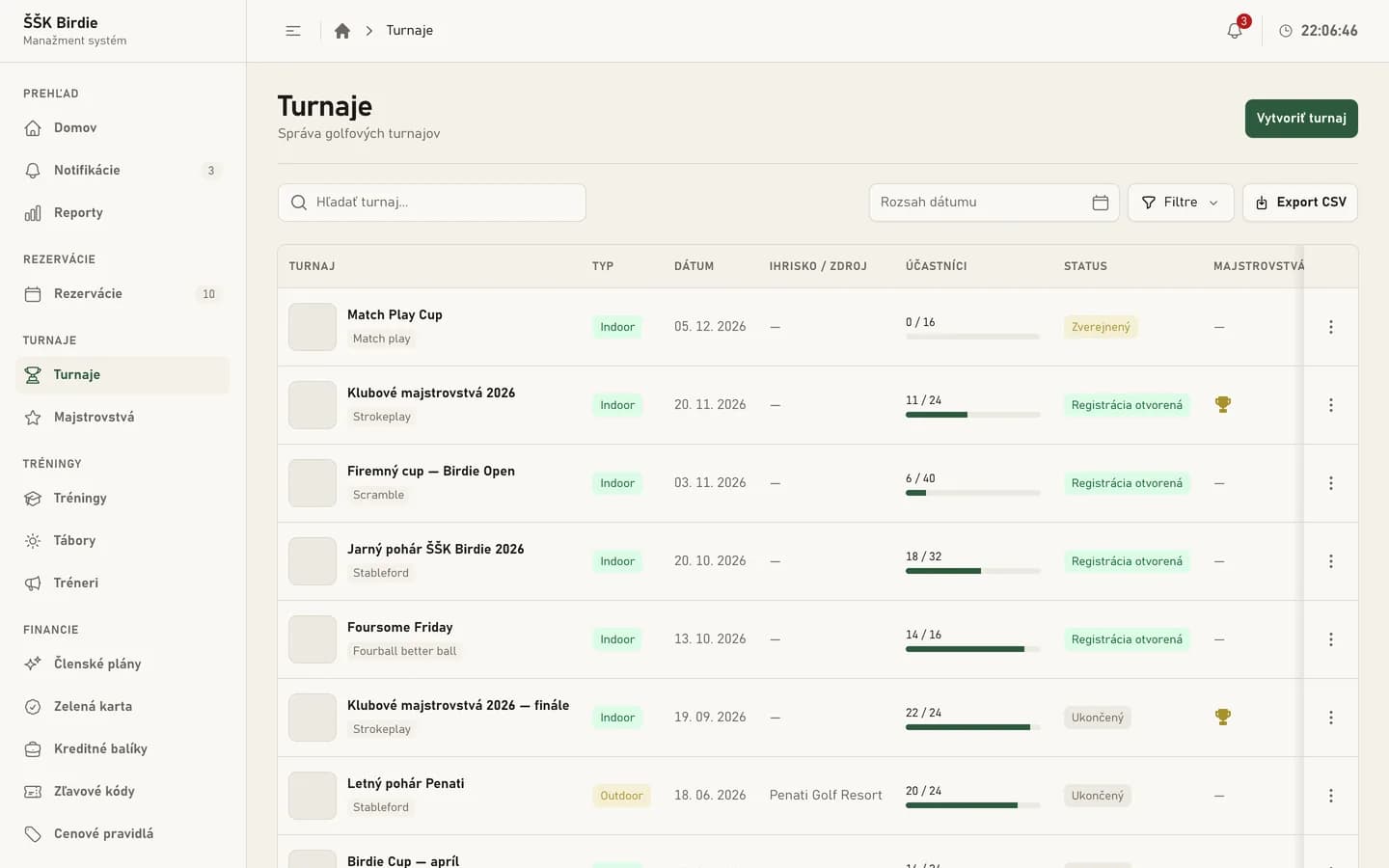
Tournaments and the season ranking from entry to results
The club sets up a tournament in the CMS – indoor or outdoor, in formats from stroke play and Stableford to scramble or a longest-drive contest. Players enter online and pay the entry fee in credits. When a tournament is full, a waiting list moves people up automatically.
After the tournament, the manager enters the results and verifies the scorecards. The season ranking recalculates itself from the placings.
- Club championships and past champions
- A record of who verified each scorecard
- Members can hide their full name in the public ranking
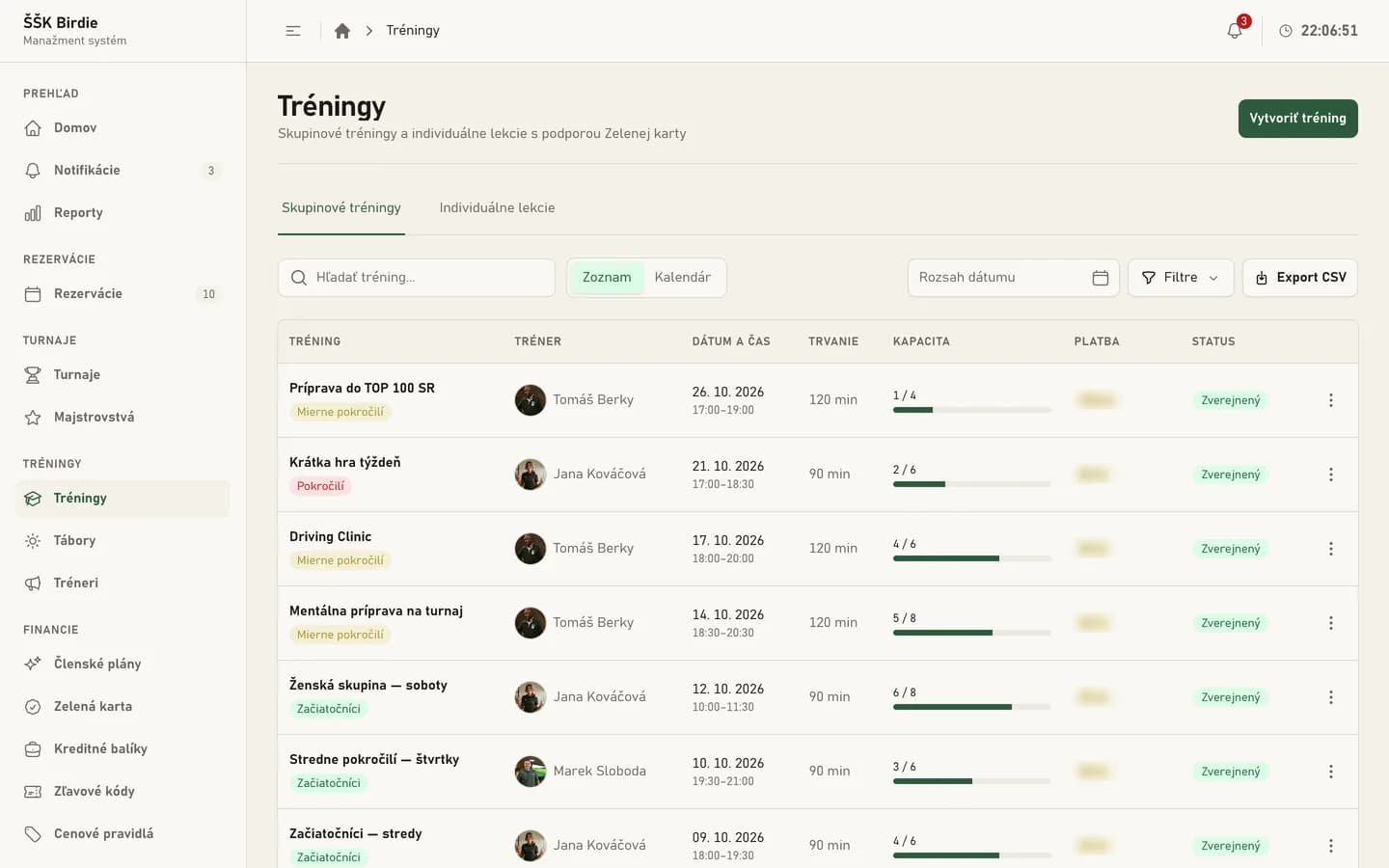
Training, lessons and camps including the Green Card course
Group training sessions have a level, a coach and a capacity, and players sign up online. Customers request a private lesson, and the coach confirms it within their working hours.
Children’s camps collect parent details and health notes that only the manager can see. The Green Card course tracks lessons, the final exam and the certificate for every participant.
- Capacity and sign-ups for every session
- Lessons confirmed by the coach
- Coaches see only their own sessions and lessons in the CMS
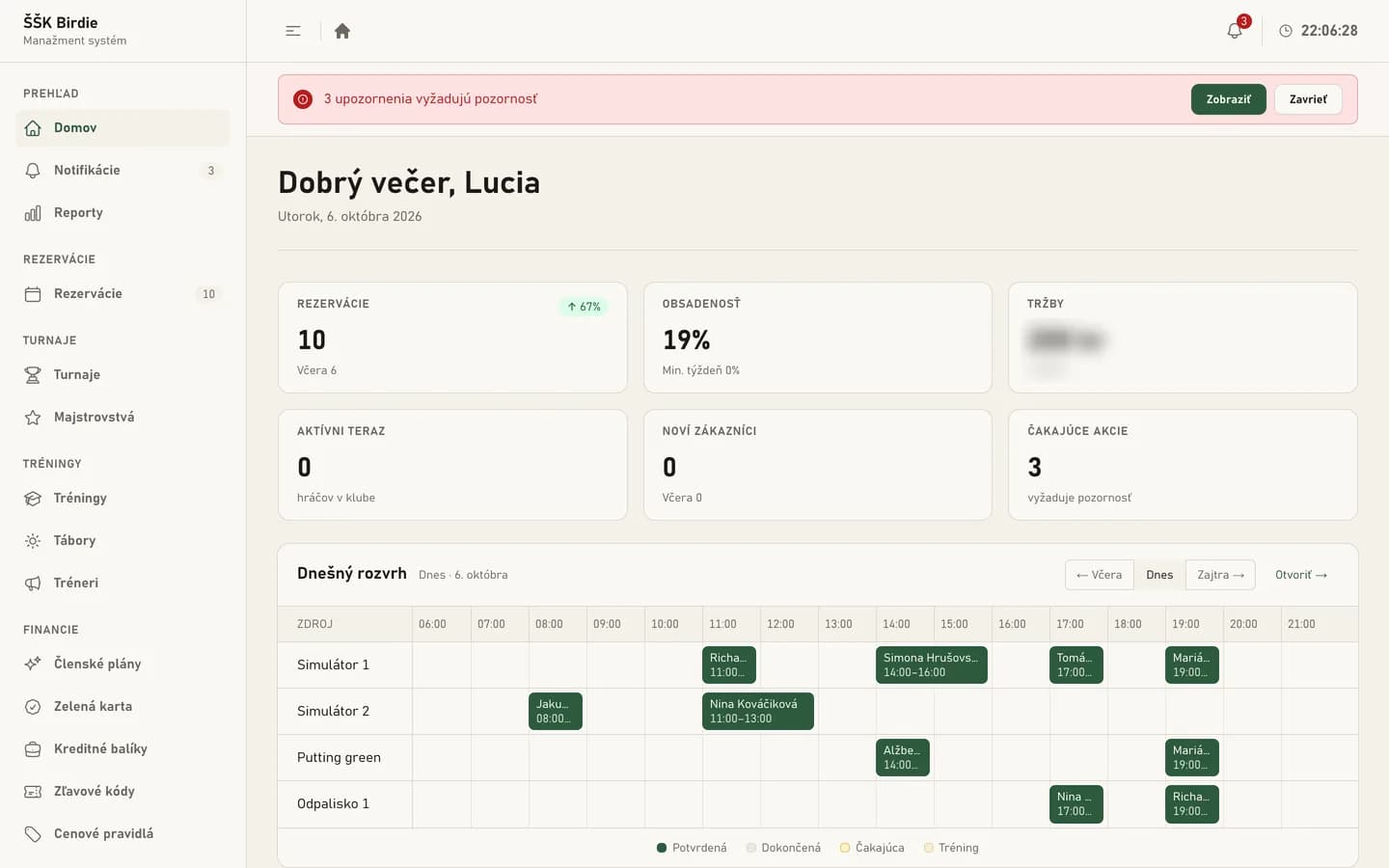
A daily overview for the manager schedule, occupancy and alerts
The CMS home screen shows the manager today’s schedule for every space, occupancy, revenue, upcoming events and what needs attention. If something is missing in the setup, such as payment settings, a red banner says so.
Reports show revenue over time and by space, occupancy, new customers and tournaments. In the CMS, the club also switches individual customer messages on or off – confirmations, reminders, waiting-list updates or membership expiry. E-mails and SMS start going out once the club provides credentials for the sending services.
Website content from the CMS news, gallery and partners
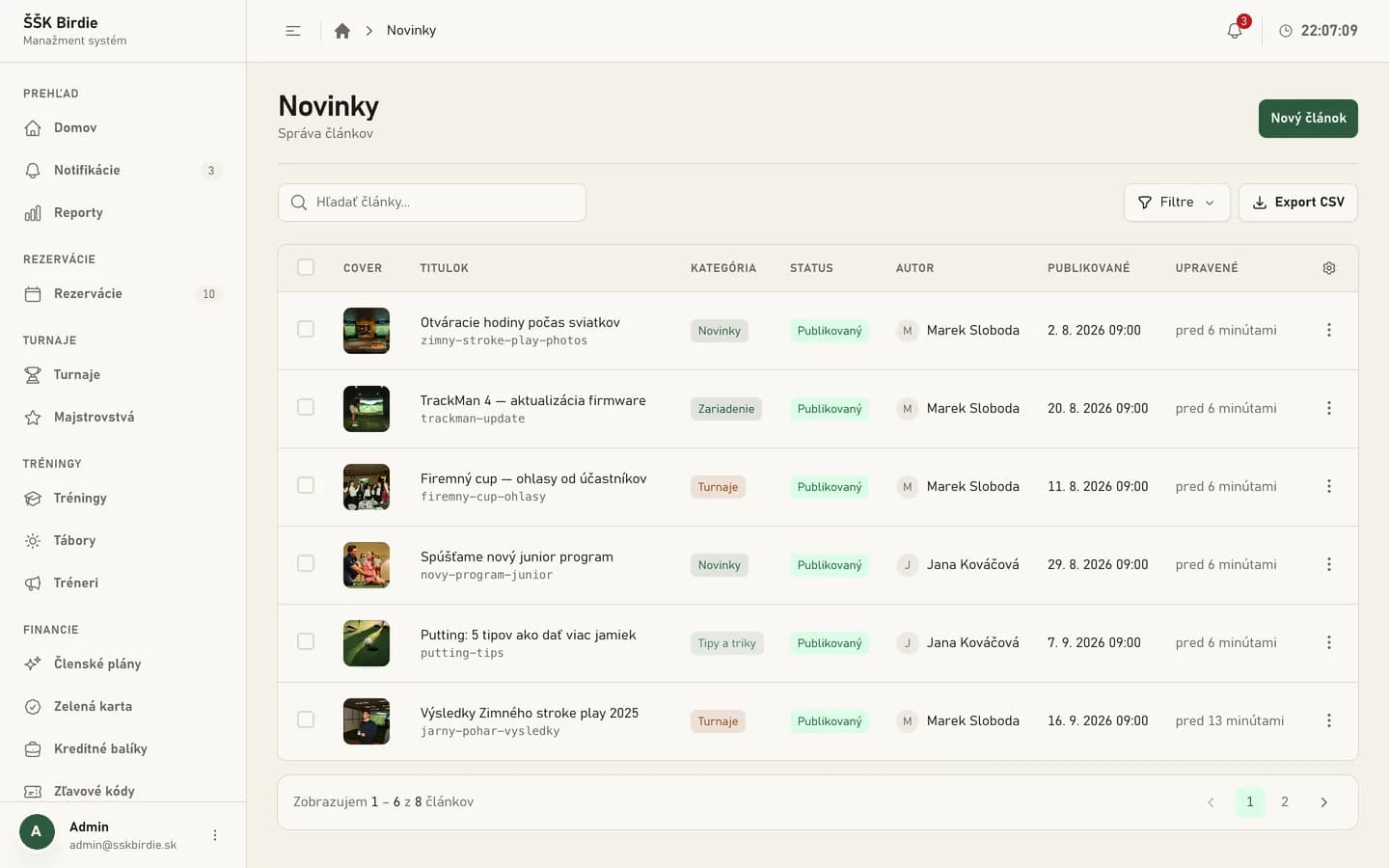
The club manages news with categories and scheduled publishing, gallery albums for tournaments, partners, opening hours and contacts itself in the CMS. Changes appear on the website without a developer.
The website carries structured data about the club, tournaments and articles for search engines. The map loads only after a click and the site uses only the cookies needed to sign in, so it needs no cookie banner.
Accessibility to WCAG 2.2 AA and a brand manual on the website
The website is designed to the WCAG 2.2 AA accessibility standard. Automated testing found no violations on the key pages on desktop or on mobile at 320 px wide.
Keyboard operation
The whole website, including the booking calendar, can be operated by keyboard. Pages have a “Skip to content” link.
Colour contrast
The contrast of every colour pair in use is measured and checked automatically with every change to the website.
Motion and small screens
The website respects the system setting for reduced motion and works from 320 px wide.
Brand manual
A live brand manual at /branding: the logo, colours, typography and components in every state.
A booking system ready for launch website, customer area and CMS
The website, the customer area and the CMS are complete and deployed in a test environment. Customers book and pay for a slot themselves, and the manager has bookings, finances, tournaments, training and website content in one place.
E-mails, SMS, card payments and entry through door readers are ready. They are switched on by a configuration change once the club provides credentials for the services and installs the readers, with no further development.
What we delivered
- 01Website with online booking
- 02My Account customer area
- 03CMS for the manager, reception and coaches
- 04Credits, memberships and discount codes
- 05Tournaments, results and season ranking
- 06Club entry with a QR code
Got a project? We'd love to help.
No lengthy forms — just message us straight through chat. Our AI assistant will help right away, and we'll get back to you. Alternatively, send us an email at [email protected]
INTERFÁČIK uses artificial intelligence and its answers may be inaccurate. Please don't send sensitive personal data. By using the chat you agree to the processing of your data to the extent necessary to handle your request, in accordance with our privacy policy.